I was reading a recent blog post about this cool git shortcut which shows you the recent working branches you have been working on.
automation git:(singla/add_missing_model) x gitrecent
38 minutes ago  singla/add_missing_model
25 hours ago    singla/bug_fixes_21st
25 hours ago    singla/track_order_revamp
While the shortcut is useful, I was afraid that I might just forget it so why not make a simple utility which prints a random shortcut whenever a terminal session starts.
Step 1: Create a tips file#
Create a file ~/tips containing useful shortcuts:
git acfor amending and committinggit ucfor adding and committinggit pullfffor pulling without the no-ff flaggitrecentfor displaying recent branches- Wellness reminders (Pomodoro timer, water breaks, walks)
Step 2: Add to your shell config#
Add this to your .bashrc or .zshrc:
tip=$(shuf ~/tips | head -n 1)
echo "Tip of the session: $tip"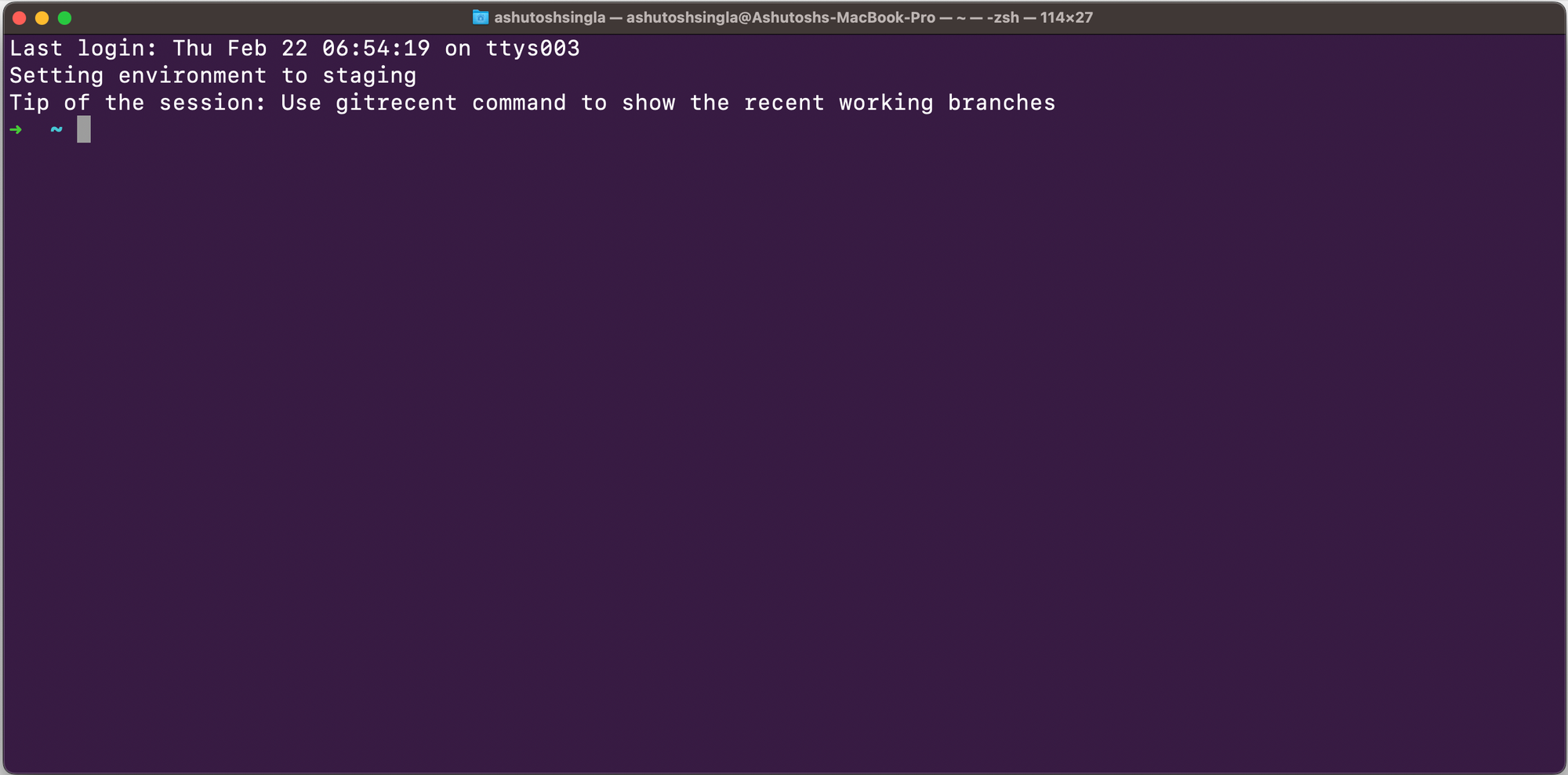
Now every time you open a terminal, you get a random useful tip or shortcut. Simple but effective.